User Guides
Fan Guide
🎵 Fan User Guide — Getting Started with evev.love
Welcome to evev.love, Myanmar's electronic music community! This guide will walk you through everything you need to discover events, buy tickets, send gifts to your favorite DJs, and manage your account.
📱 Installing the App
evev.love is a Progressive Web App (PWA), which means you can install it directly on your phone without going to an app store.
On iPhone (Safari):
1. Open evev.love in Safari
2. Tap the Share button
3. Scroll down and tap Add to Home Screen
4. Tap Add
On Android (Chrome):
1. Open evev.love in Chrome
2. Tap the menu (⋮)
3. Tap Add to Home Screen
or Install App
4. Tap Install
Once installed, the app works offline and launches just like a native app.
🏠 Home Screen — Event Discovery
When you open evev.love, you'll land on the Home Screen — your gateway to Myanmar's electronic music scene.
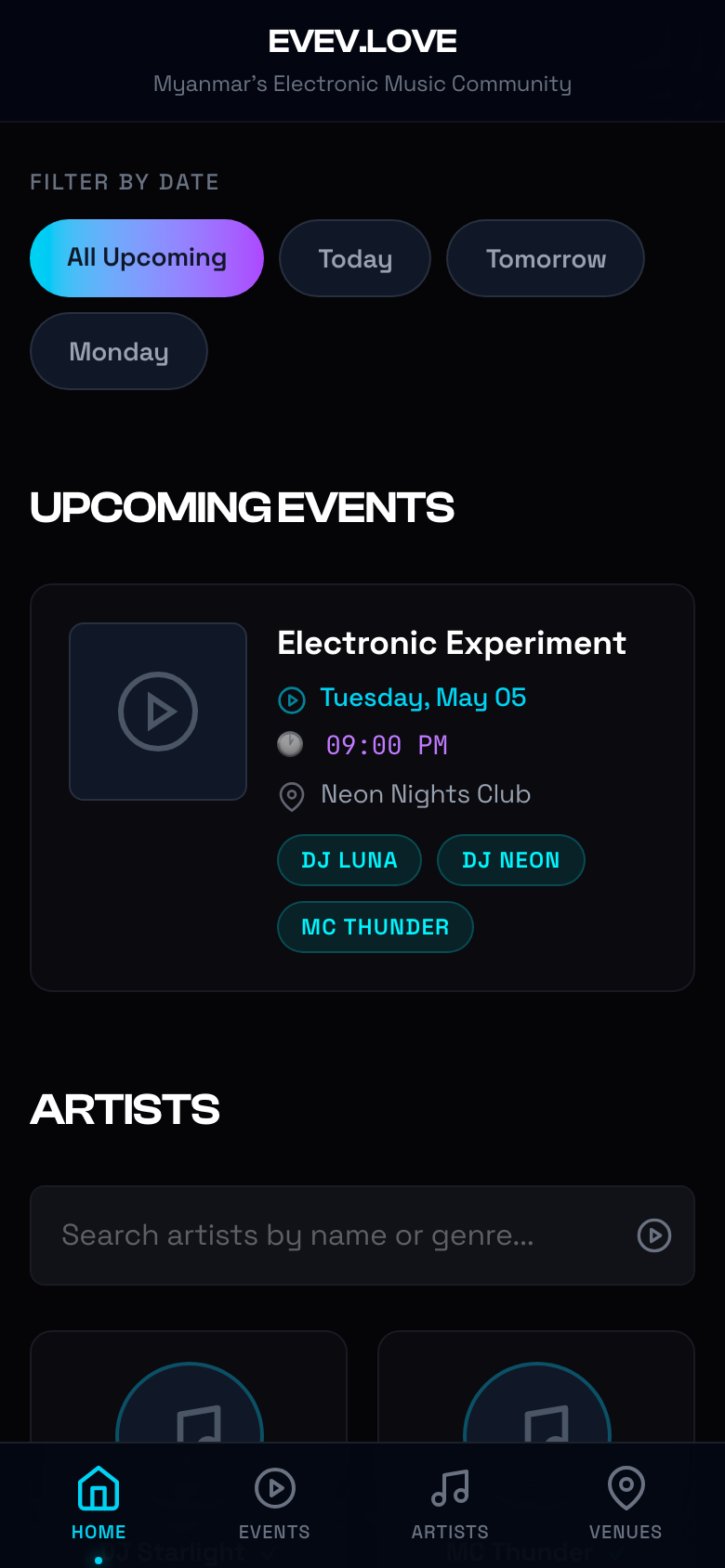
What You'll See:
- Date Filters — Quickly filter events by All Upcoming, Today, Tomorrow, or Monday
- Upcoming Events — A curated list of the next electronic music events with lineup info
- Artists Section — Search and browse verified DJs and artists
- Venues — Discover popular clubs and event spaces
Bottom Navigation:
| Icon | Tab | What It Does |
|---|---|---|
| 🏠 | Home | Event discovery & artist highlights |
| ▶️ | Events | Full event listings with filtering |
| 🎵 | Artists | Browse DJ profiles and releases |
| 📍 | Venues | Explore clubs and event spaces |
🔐 Creating an Account / Logging In
To buy tickets or send gifts, you'll need an account. evev.love uses OTP (One-Time Password) login — no passwords to remember!
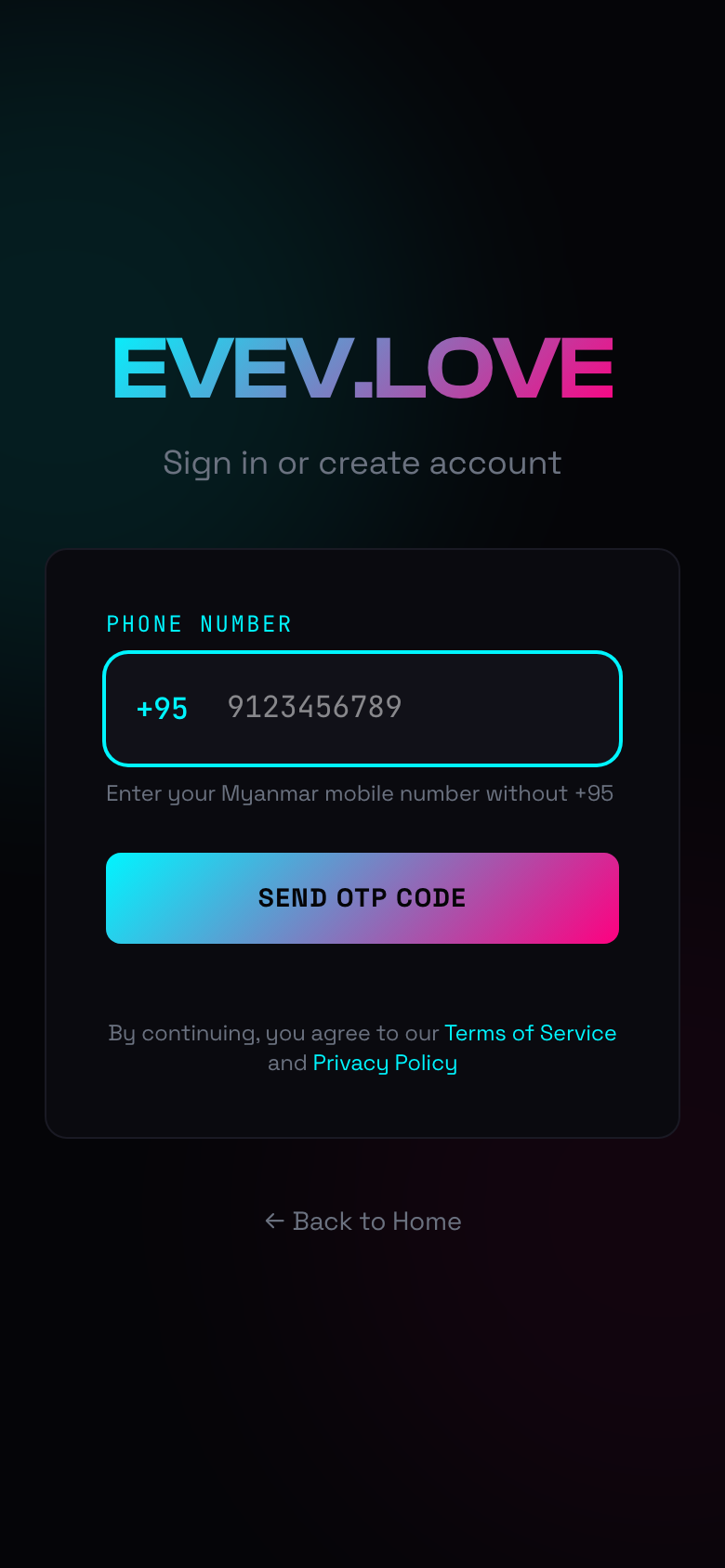
Step-by-Step:
- Tap Login or try to buy a ticket
- Enter your Myanmar mobile number without the +95 (e.g.,
9123456789) - Tap
Send OTP Code
- You'll receive a 6-digit code via SMS (or see it on screen in development mode)
- Enter the code and tap
Verify & Continue
- If you're new, select
Fan
as your account type
💡 Tip: If you don't receive the OTP within 60 seconds, tap
Resend OTP.
🎉 Discovering Events
Events List
Tap the Events tab (▶️) in the bottom navigation to see all upcoming events.
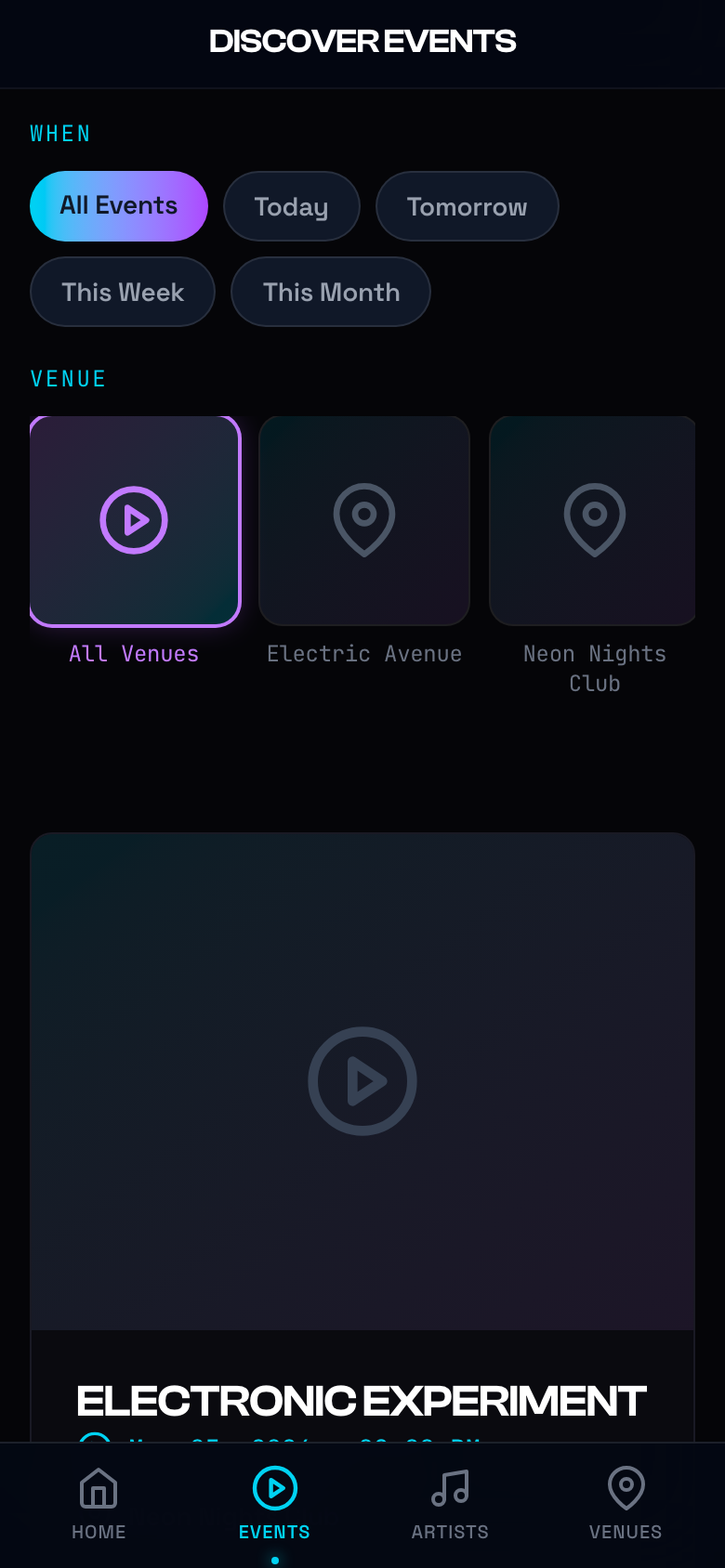
You can browse events by:
- Date — Today, tomorrow, this week, this month
- Genre — Filter by the type of electronic music you love
- Venue — Find events at your favorite clubs
Event Details
Tap any event card to see the full details.
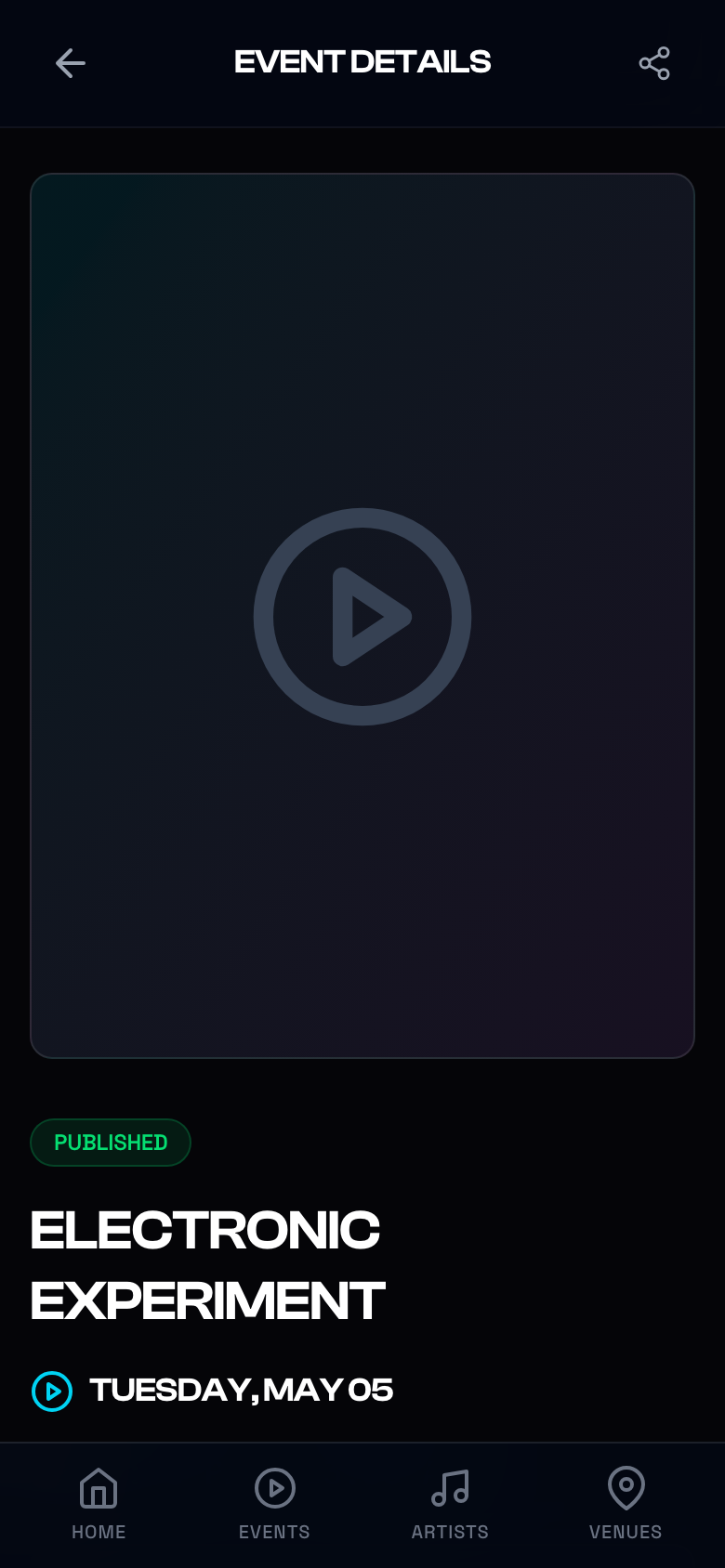
Each event page shows:
- Event flyer/image
- Date, time, and venue
- Full lineup of DJs and artists
- Ticket types and pricing
- A Get Tickets
button to purchase
🎫 Buying Tickets
- From the event details page, tap
Get Tickets
- Select your ticket type (General Admission, VIP, Table, etc.)
- Choose quantity
- Tap
Proceed to Payment
- Select your payment method:
- KBZ Pay (MMQR)
- AYA Pay (MMQR)
- Scan the QR code with your banking app or tap to pay
- Once payment is confirmed, your ticket will appear in My Orders
💡 Tip: You can view and download your ticket QR code anytime from Profile → Orders.
🎁 Digital Gifting
Show love to your favorite DJs by sending digital gifts! Gifts can be purchased in advance and sent during events.
Gift Shop
Navigate to the Gift Shop to see available items.
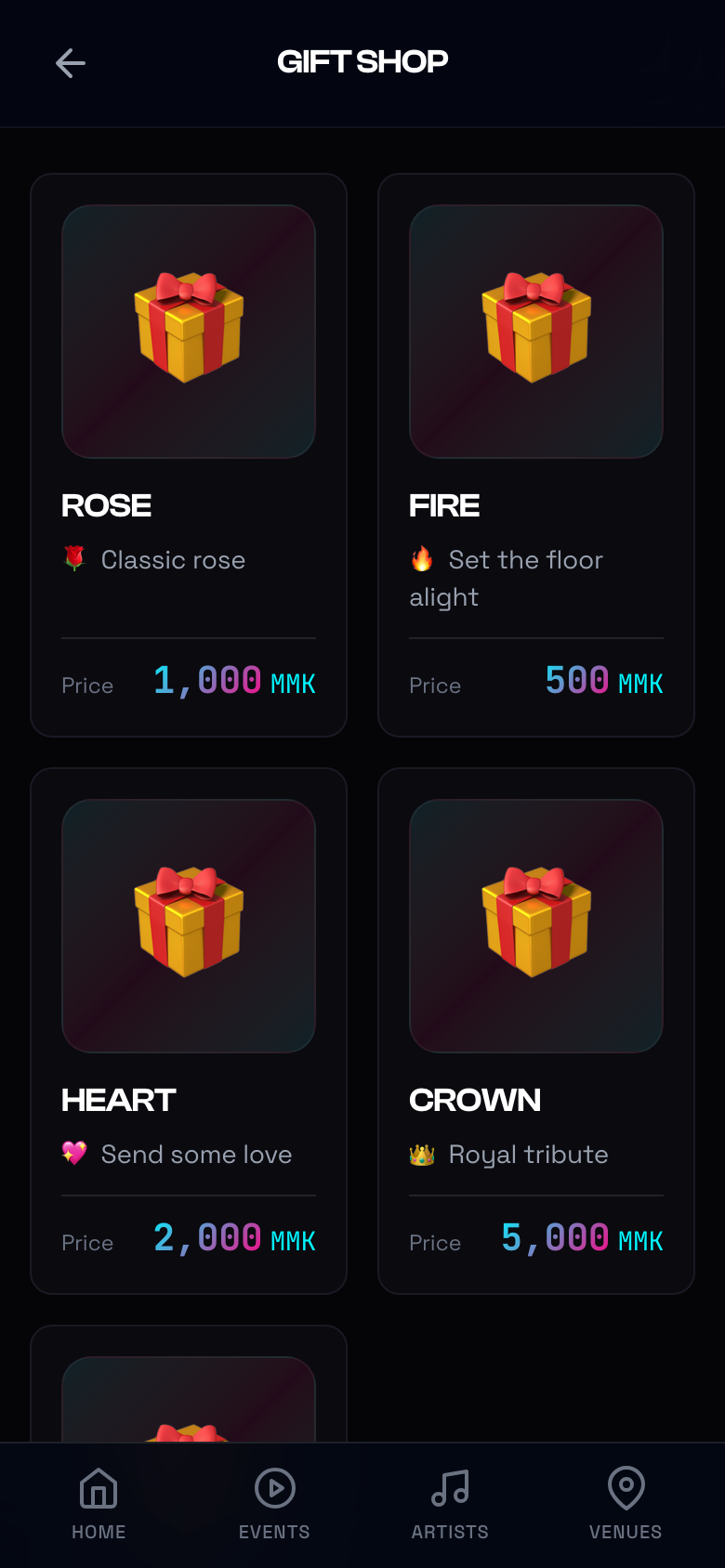
Available gifts include:
| Gift | Description | Price |
|------|-------------|-------|
| 🌹 Rose | Classic rose | 1,000 MMK |
| 🔥 Fire | Set the floor alight | 500 MMK |
| 💖 Heart | Send some love | 2,000 MMK |
| 👑 Crown | Royal tribute | 5,000 MMK |
| 💎 Diamond | Ultimate appreciation | Premium |
Buying Gifts
- Tap any gift to see details
- Select quantity
- Tap
Add to Cart
orBuy Now
- Complete payment with MMQR
- Gifts are added to your Inventory
Sending Gifts to Artists
- Go to an artist's profile or an event page
- Tap the Gift icon
- Select a gift from your inventory
- Add an optional message
- Tap Send — the artist will be notified instantly!
👤 Your Profile & Dashboard
After logging in, access your profile by tapping your avatar or the menu.
Profile Page
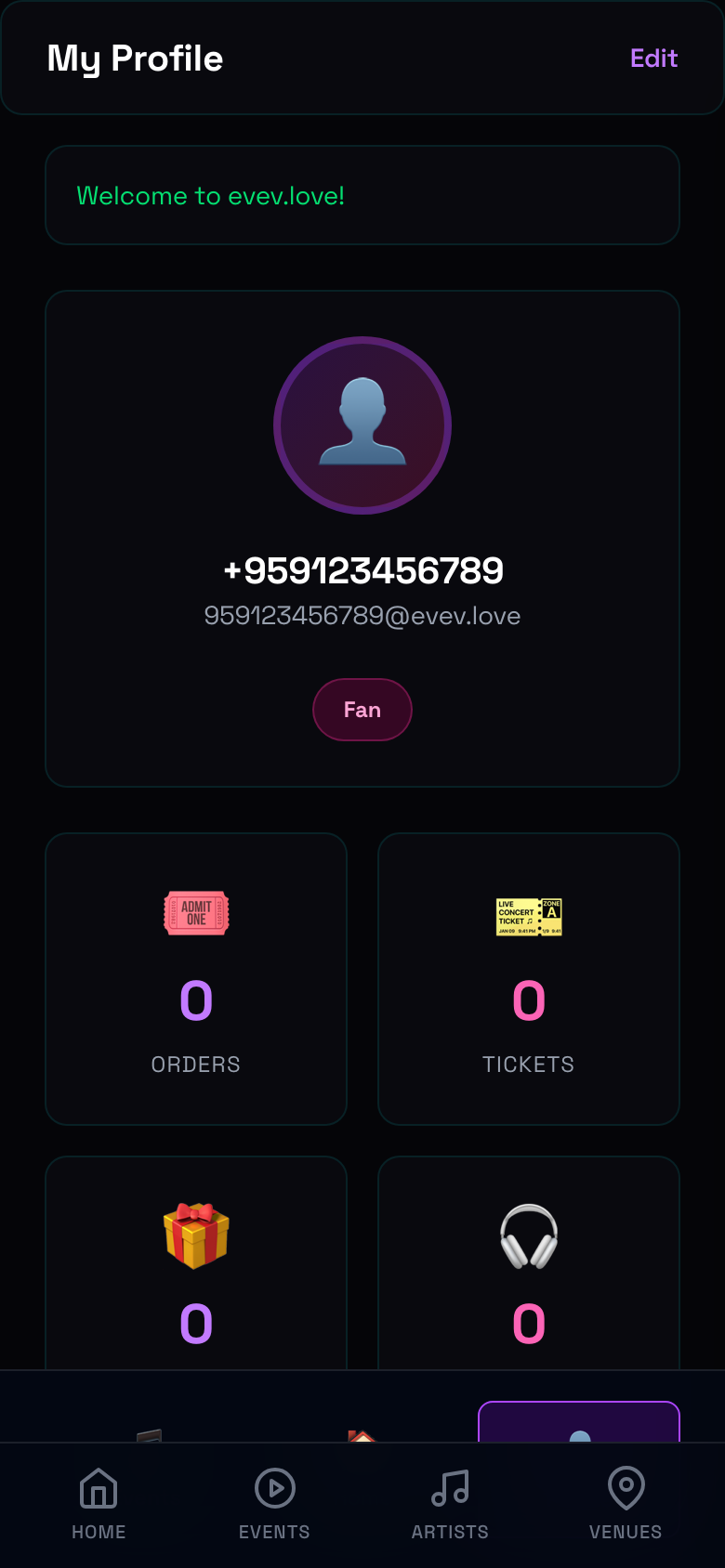
Your profile shows:
- Phone number and account type (Fan)
- Stats cards: Orders, Tickets, Gifts Sent, Followed Artists
- Tap Edit to update your info
Fan Dashboard
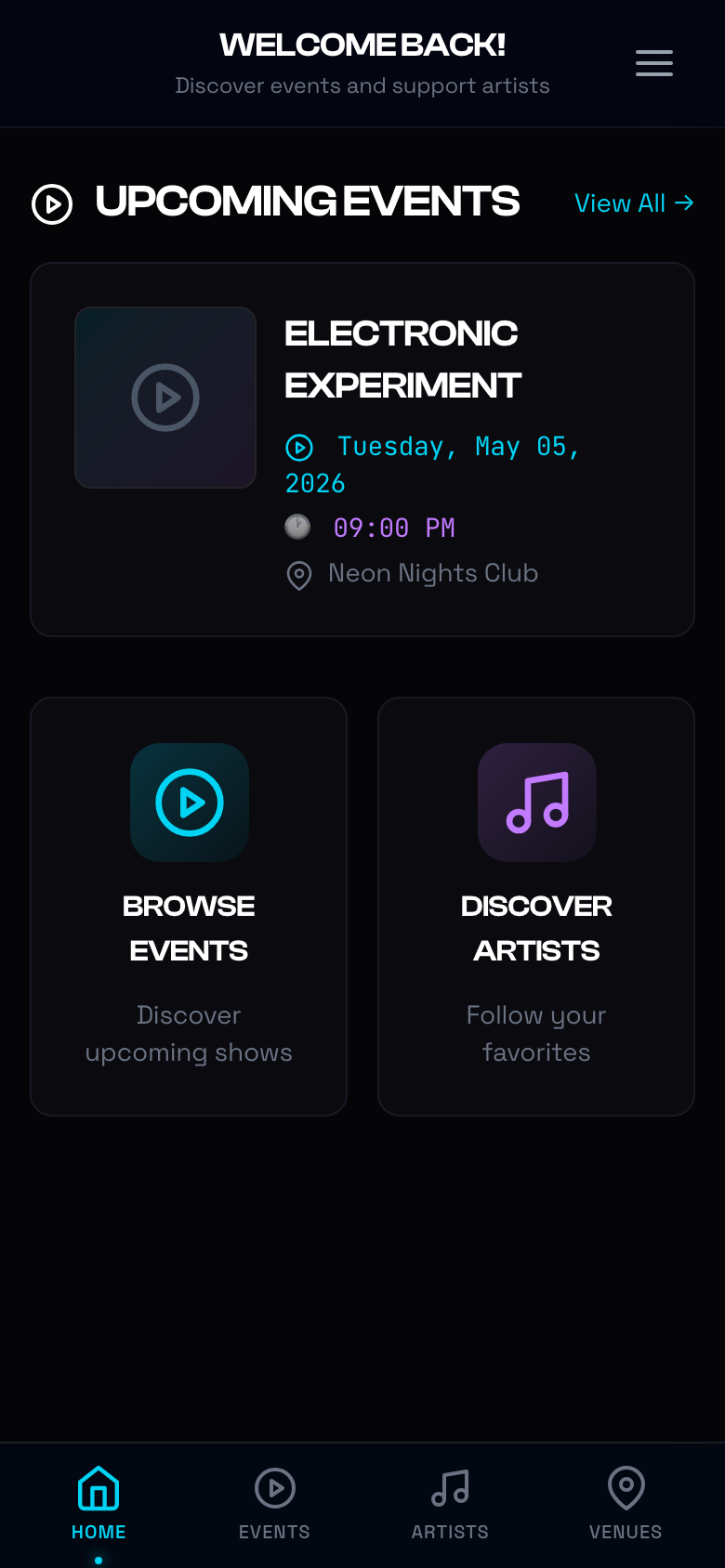
The dashboard is your personal hub:
- Upcoming Events — Events you've bookmarked or have tickets for
- Browse Events — Quick link to discover more
- Discover Artists — Find and follow new DJs
My Orders
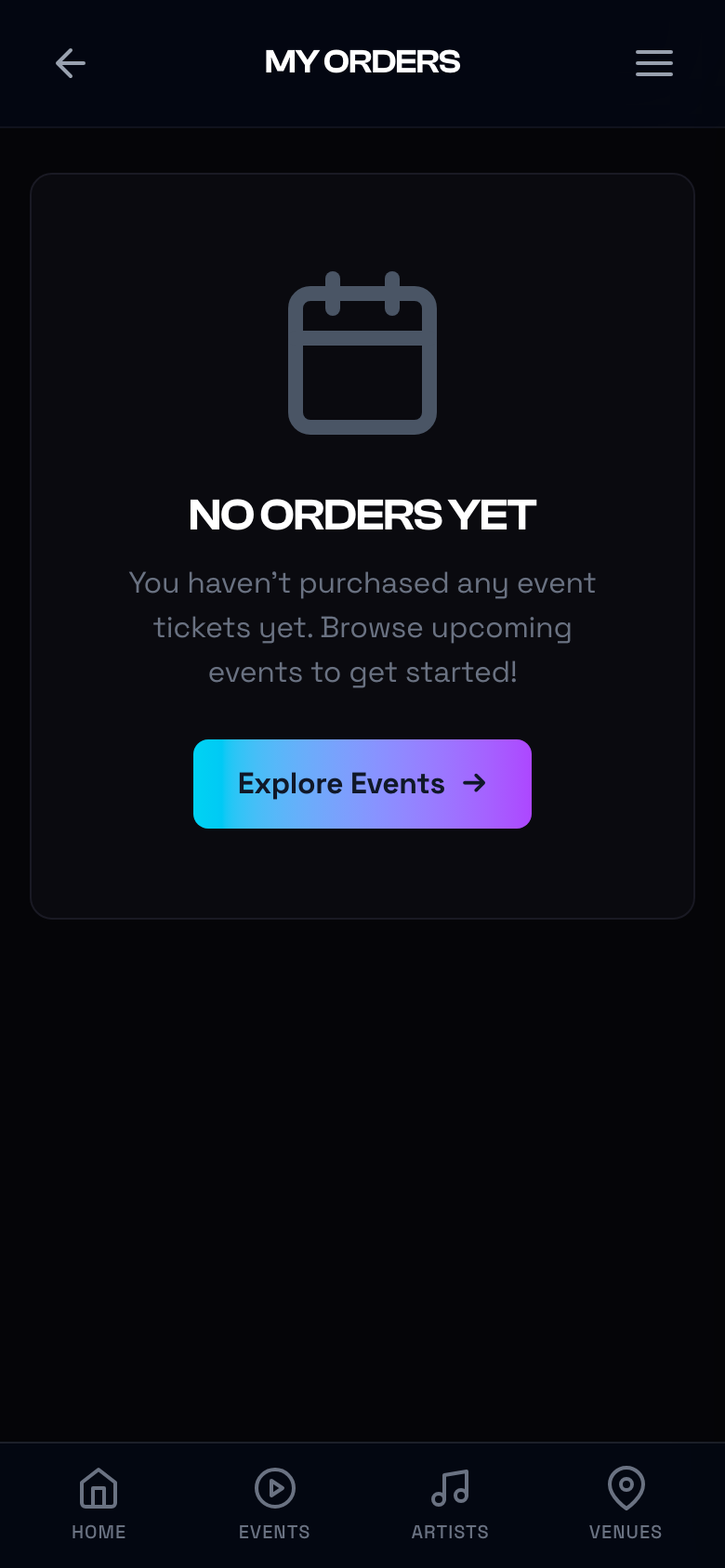
Track all your ticket purchases:
- View order status (Pending, Confirmed, Cancelled)
- Download QR codes for entry
- See event details and venue info
📝 Empty State: If you haven't bought tickets yet, you'll see a friendly prompt to explore events.
My Gifts (Inventory)
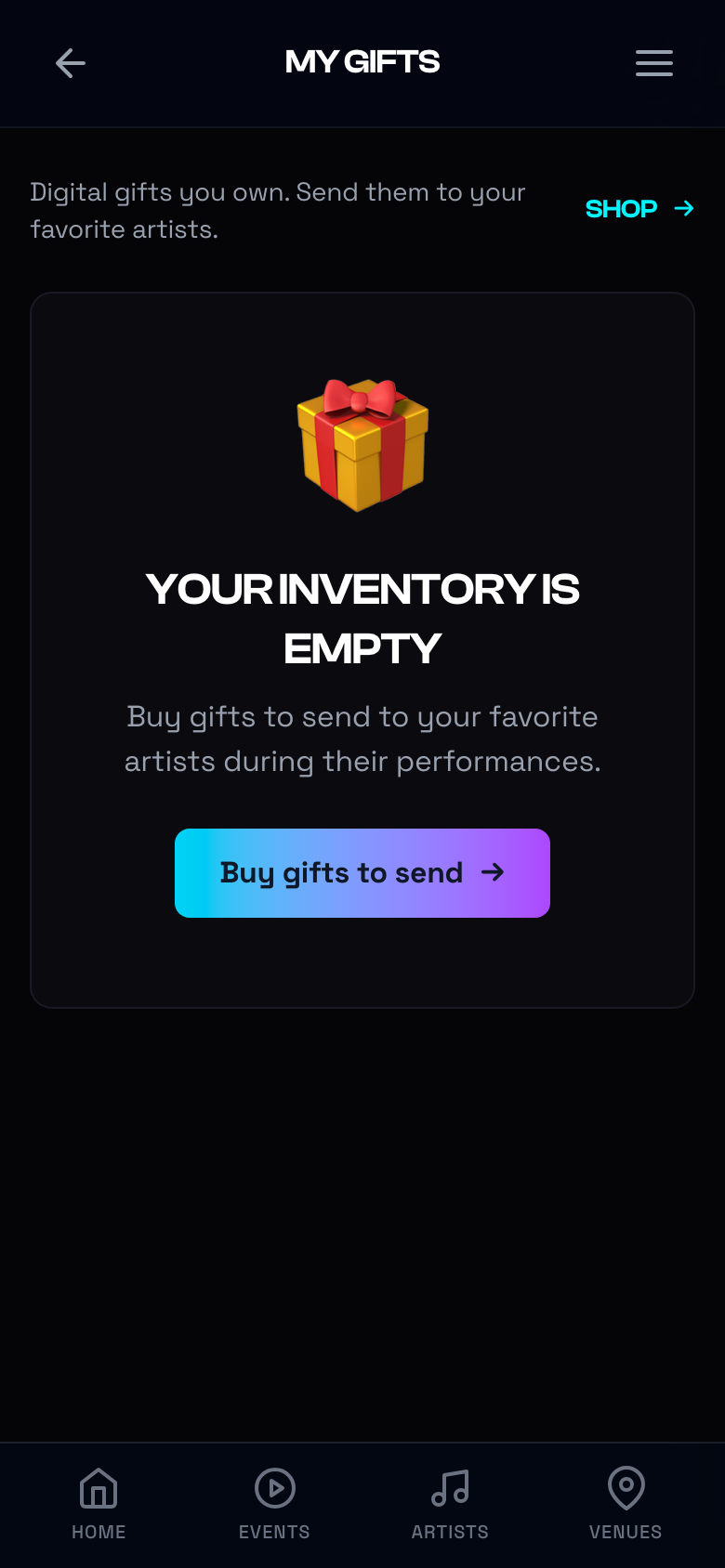
Manage your digital gift inventory:
- See how many of each gift you own
- Tap Shop to buy more
- Tap Send to gift to an artist
📝 Empty State: Your inventory starts empty. Buy gifts to stock up!
ℹ️ Help & Support
Need help? Visit our Support page for FAQs and contact info.
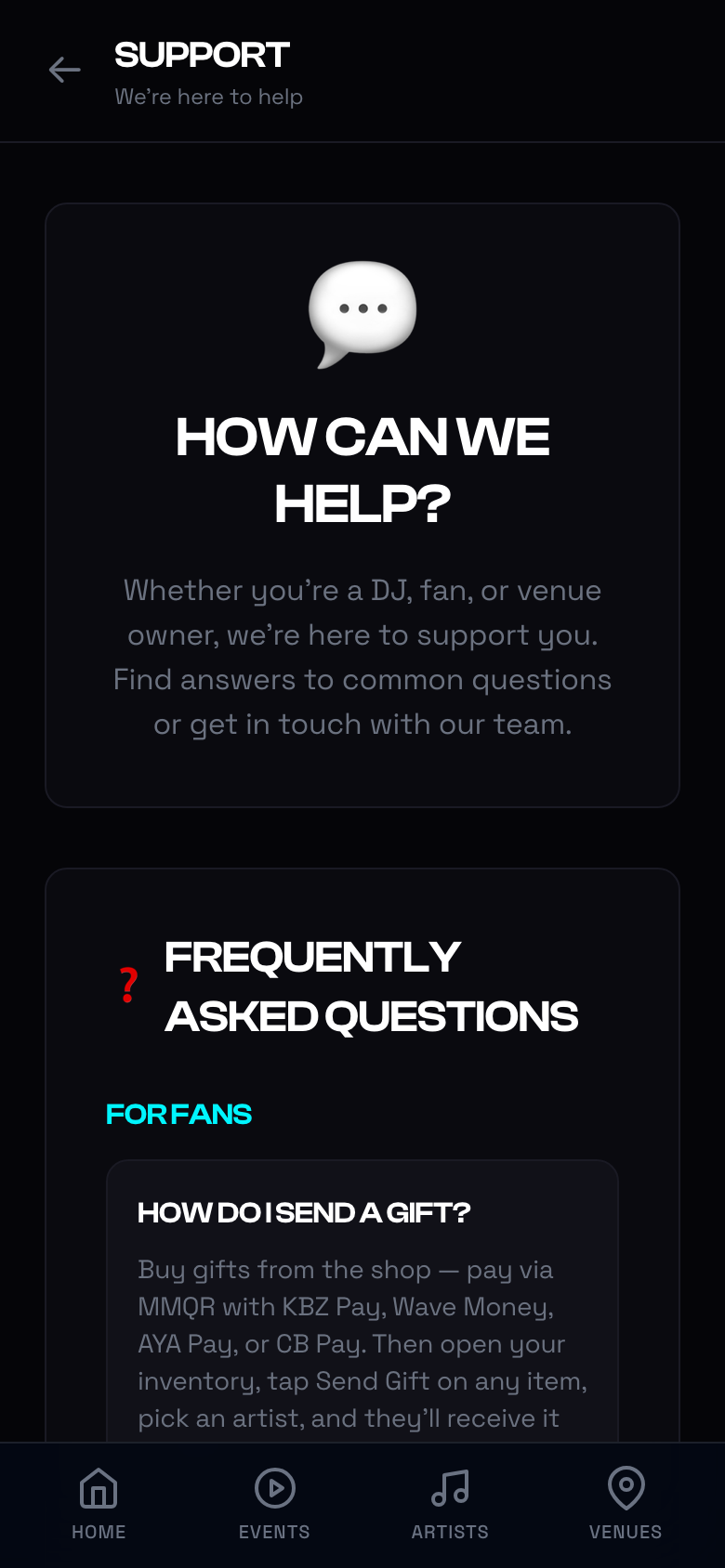
You can also reach out via:
- Email: support@evev.love
- In-app: Profile → Support
🖥️ Desktop Experience
evev.love is designed mobile-first, but works beautifully on desktop too!
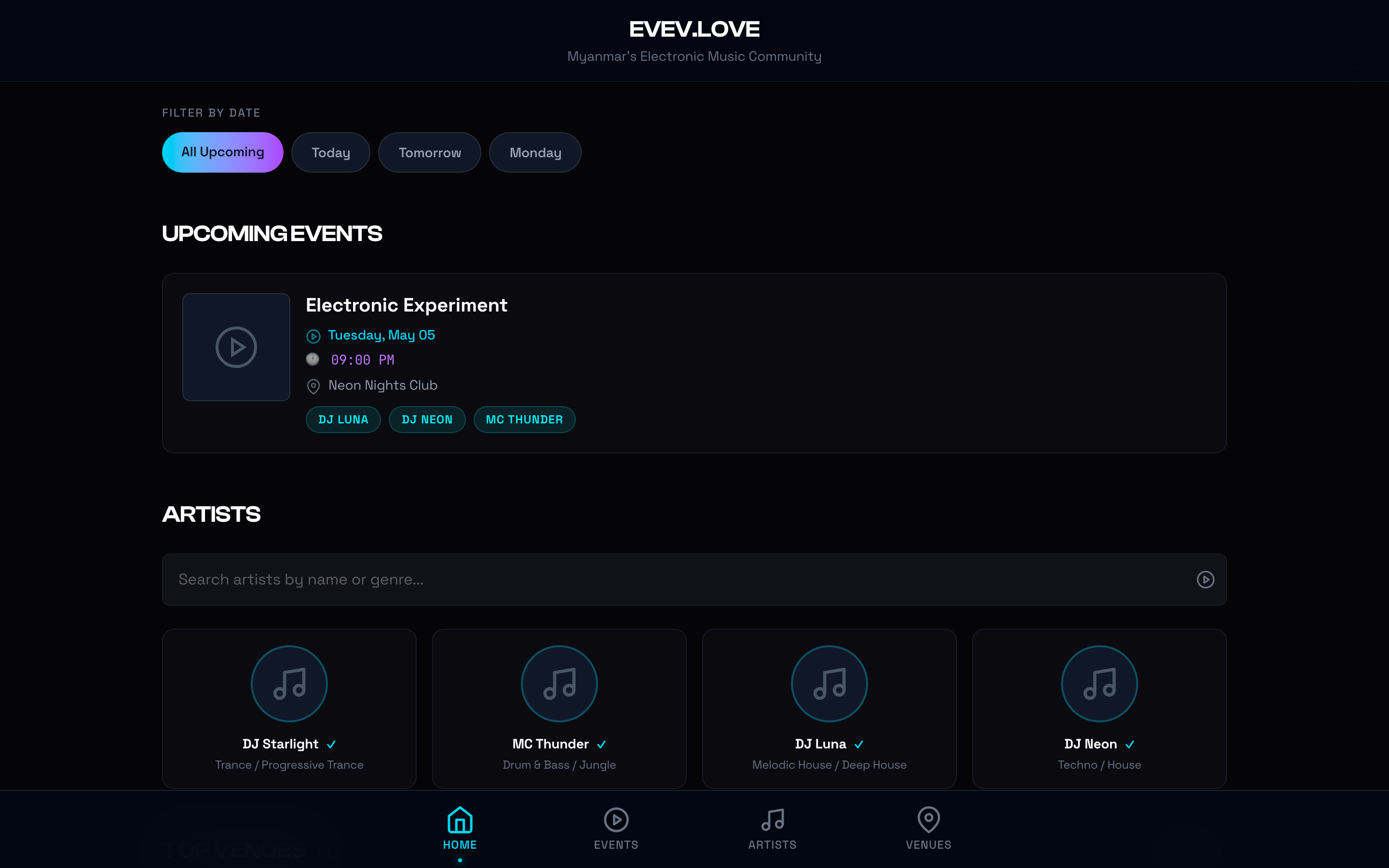
On larger screens, you'll see:
- Multi-column event grids
- Expanded artist carousels
- Side-by-side venue cards
- Full navigation menu
📝 Quick Tips
| Tip | How-To |
|---|---|
| 🔖 Save an event | Tap the heart icon on any event card |
| 🔔 Enable notifications | Allow push notifications when prompted |
| 🔍 Find a DJ | Use the search bar in the Artists tab |
| 📤 Share an event | Tap the share icon on the event details page |
| 💳 Payment issues | Make sure your KBZ/AYA app is updated and has sufficient balance |
🎉 You're Ready!
Now you know how to:
- ✅ Install evev.love on your phone
- ✅ Discover and browse events
- ✅ Buy tickets with MMQR
- ✅ Purchase and send digital gifts
- ✅ Manage your profile and orders
Go explore the scene — see you on the dance floor! 🎧✨